QR Code for Restaurant Menu — Complete Setup Guide 2026
Create a QR code for your restaurant menu. Step-by-step guide on generating, customizing, and printing QR codes for contactless dining experiences.
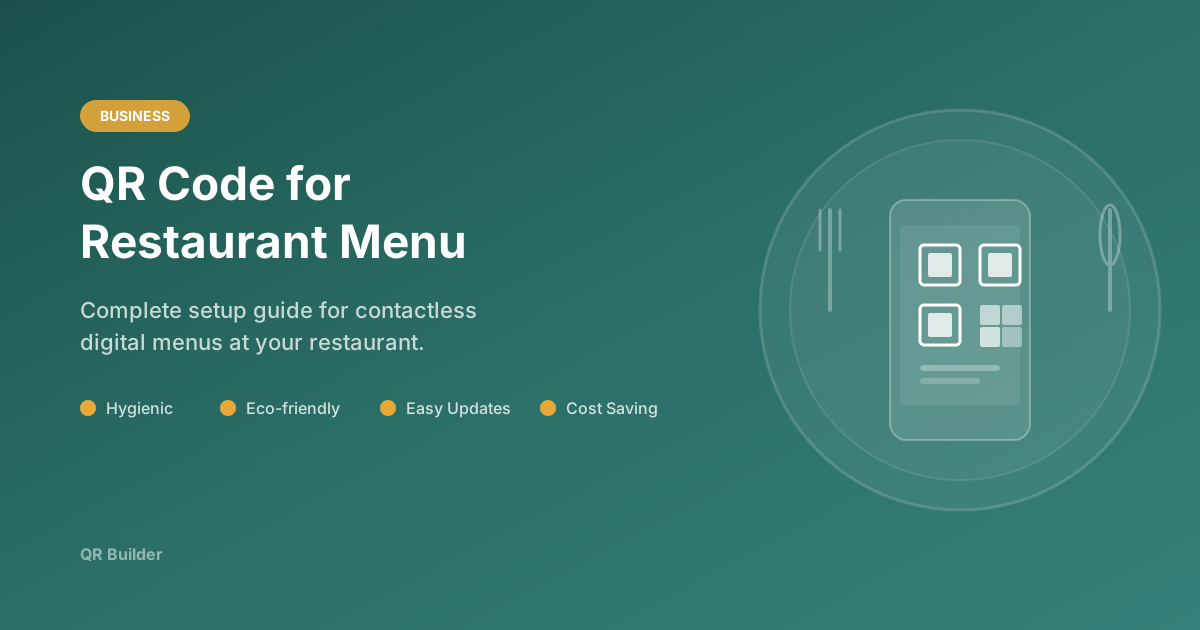
Digital menus have become an essential part of the modern restaurant experience. QR codes provide a hygienic, eco-friendly, and easily updatable way to share your menu with customers. This comprehensive guide covers everything you need to know about creating, deploying, and maintaining QR code menus for your restaurant, cafe, or food service business.
Why Restaurants Need QR Code Menus
The shift to digital menus is not just a trend — it is a fundamental change in how restaurants operate. Here are the key benefits:
Hygiene and Safety
Physical menus pass through dozens of hands every day. Even with regular cleaning, they can harbor bacteria and viruses. QR code menus eliminate this shared touchpoint entirely. Customers scan a code with their own phone and view the menu on their own device, reducing cross-contamination risk to zero.
Significant Cost Savings
Traditional menu printing is expensive, especially for restaurants that change their offerings seasonally or run weekly specials. A single print run for 100 menus can cost hundreds of dollars, and any price change means reprinting. With a digital menu linked through a QR code, updates are free and instant. You save on printing costs, design fees for physical menu layouts, and the time staff spend distributing and collecting menus.
Environmental Impact
The average full-service restaurant goes through hundreds of printed menus per year when accounting for wear, damage, and updates. QR code menus eliminate this paper waste entirely. If you market your restaurant as environmentally conscious, this is a tangible action you can point to.
Instant Updates
Changed a price? Added a new dish? Removed an out-of-stock item? With a digital menu, you update the web page and every customer sees the change immediately. There is no lag between making a decision and having it reflected in what customers see. This is especially valuable for restaurants with daily specials, seasonal ingredients, or market-price items.
Multilingual Support
Physical menus in multiple languages require multiple print runs and take up table space. A digital menu can offer a language switcher, allowing international customers to read the menu in their preferred language without any additional printing costs.
Rich Media and Information
A physical menu is limited to text and static images. A digital menu can include high-resolution photos of every dish, detailed ingredient lists, allergen information, calorie counts, preparation videos, chef's notes, and wine pairing suggestions. This richer experience helps customers make informed choices and can increase average order value.
How to Create a Restaurant Menu QR Code
Step 1: Prepare Your Digital Menu
Before generating a QR code, you need a digital menu hosted online. Here are the most common options, from simplest to most sophisticated:
Option A: A Page on Your Website
If your restaurant has a website, add a dedicated menu page. This is the most professional option and gives you full control over design and content. Make sure the page is mobile-responsive — the vast majority of diners will view it on their phones.
Option B: A PDF on Google Drive or Dropbox
Upload your menu as a PDF and generate a shareable link. This is the fastest option but the least flexible — PDFs are harder to update and may not render well on all phone screens. If you use this approach, design the PDF for mobile viewing (portrait orientation, large fonts).
Option C: A Dedicated Menu Platform
Services like Square, Toast, Clover, or BentoBox offer dedicated digital menu hosting with built-in features like online ordering, allergen filtering, and multilingual support. These integrate with your POS system and provide the most seamless experience for both staff and customers.
Option D: A Google Business Profile
Google allows restaurants to add menus directly to their Business Profile. You can link your QR code to your Google listing, where customers will also see your reviews, hours, and location.
Step 2: Generate Your QR Code
- Visit QR Builder and select the URL type
- Paste your digital menu URL
- Customize colors to match your restaurant branding
- Select a size appropriate for your print needs (1024px for table tents, 2048px for posters)
- Download in PNG for printing or SVG for scalable signage
Step 3: Design for Your Brand
Your QR code should feel like part of your restaurant's visual identity. Use your brand colors for the foreground — but remember to keep enough contrast for reliable scanning. A deep burgundy, navy blue, or forest green can replace standard black while maintaining excellent scannability.
Consider the dot shape too. Rounded dots give a softer, more inviting feel that works well for casual dining. Square dots look more professional and suit fine dining. The "classy" or "classy-rounded" options add subtle visual interest without compromising function.
Step 4: Print and Deploy
Table Tents: The most common placement. Print the QR code on a folded card that stands on each table. Include a short instruction like "Scan for Menu" and your restaurant name.
Table Stickers: Adhesive labels applied directly to the table surface. These are durable and cannot be accidentally knocked over or moved by customers. Use waterproof vinyl stickers for longevity.
Acrylic Stands: A more upscale option. Mount the QR code on an acrylic or wooden stand that complements your restaurant's decor. These are reusable and easy to clean.
Wall-Mounted Signs: Place QR codes near the entrance or at the counter for takeout and fast-casual restaurants where customers order before sitting down.
Receipt Printing: Some POS systems can print a QR code on receipts, allowing customers to re-access the menu or leave a review after their visit.
Design Tips for Restaurant QR Codes
Color Matching
Use your restaurant's primary brand color for the QR code foreground. Test it against a white background first, then try against your actual print material color. The key metric is contrast — if you squint and the QR code blends into the background, add more contrast.
Minimum Size
For table scanning (arm's length, roughly 30-50cm), a QR code should be at least 3cm x 3cm. For counter or wall signage (1-2 meters), increase to at least 8cm x 8cm. Always err on the side of larger — a bigger QR code is never harder to scan, but a smaller one might be.
Lighting Considerations
Test your QR code under your restaurant's actual lighting conditions. Dim, warm-toned ambient lighting can reduce contrast and make scanning harder. If your restaurant has low lighting, use higher contrast (black on white) and slightly larger codes.
Weatherproofing for Outdoor Seating
If you have a patio or outdoor seating area, QR codes will be exposed to sun, rain, and temperature changes. Use UV-resistant lamination or print on weatherproof synthetic paper. Check outdoor codes monthly and replace any that have faded or peeled.
What to Include on Your QR Code Print Material
The QR code alone is not enough. Your printed material should include:
- A clear call-to-action — "Scan for Menu", "View Our Menu", or "Scan to Order"
- Your restaurant name and/or logo — Brand recognition reinforces trust
- WiFi information (optional) — Many restaurants pair menu QR codes with WiFi credentials
- A fallback URL — Print the menu URL in small text below the QR code for customers who cannot scan
Maintaining Your QR Code Menu Long-Term
Keep the URL Stable
The biggest mistake restaurants make is changing the menu URL without updating the QR code. If you redesign your website or switch menu platforms, ensure the old URL redirects to the new one. Better yet, use a permanent, short URL that you control and can redirect as needed.
Update Content Regularly
A digital menu that shows last month's specials or incorrect prices is worse than no digital menu at all. Assign someone on your team to review and update the menu at least weekly. For restaurants with daily specials, build this into the daily opening routine.
Monitor Scan Rates
If you are using dynamic QR codes or UTM-tagged URLs, track how many scans your codes receive. Low scan rates may indicate that the codes are too small, poorly placed, or lacking a clear call-to-action. Use this data to optimize placement and design.
Common Mistakes to Avoid
- Making the QR code too small for comfortable scanning in your lighting conditions
- Using low-contrast colors that look great but are hard for cameras to read
- Not testing the QR code on the actual printed material before ordering a large batch
- Linking to a non-mobile-friendly page — if your menu page requires pinching and zooming, customers will give up
- Forgetting to update the menu URL when you switch platforms or redesign your site
- Placing codes where they get covered — under plates, near centerpieces, or too close to the table edge
- No call-to-action — customers may not know what the code does without a label
The Bottom Line
QR code menus are no longer optional for restaurants that want to provide a modern dining experience. They reduce costs, improve hygiene, enable instant updates, and provide a richer menu experience than physical menus ever could. With QR Builder, creating a professional, branded menu QR code takes less than a minute and costs nothing.
Ready to Create Your QR Code?
Start generating free, customizable QR codes in seconds. No sign-up required.
Create QR Code Free